
The tools
48 tools today. Buy only the ones you need.
Mix and match the tools your business needs, and pay only for those. Each tool is its own app, and every one writes to the same customer record.
12
Customers and sales
Find customers, keep them and stay in touch from the first call to repeat business.
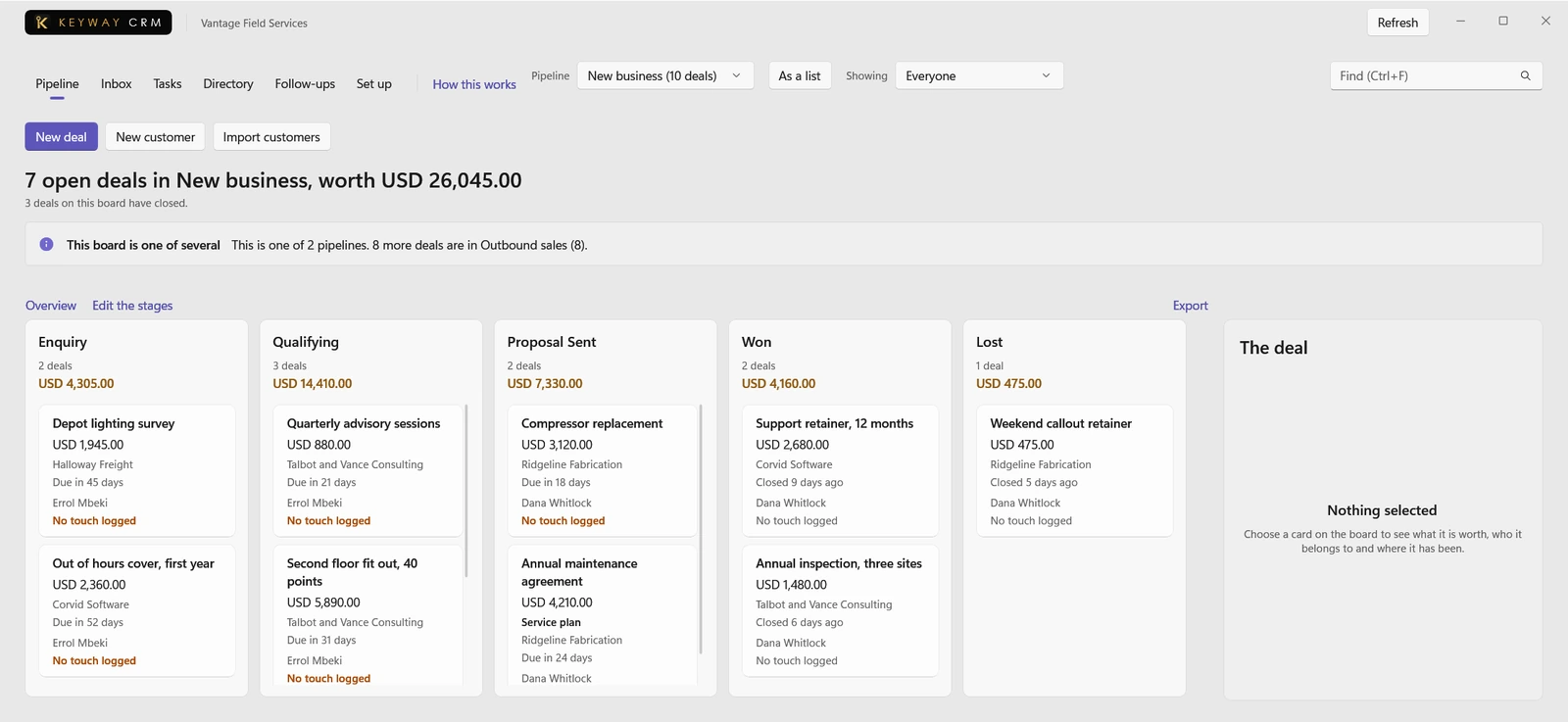

CRM
Keep every customer, deal and conversation in one place, with follow-ups for the ones going quiet.
Read the guide for CRM
Marketing
Email the people who agreed to hear from you, in batches you release, and see what came of it.
Read the guide for Marketing
Messages
One text thread per customer on a number you own, with reminders and replies kept on their record.
Read the guide for Messages
Phone
Every call you take or make is logged on the customer it was with, through the phone system you have.
Read the guide for Phone
Service Desk
See what customers have asked you to fix or answer, who has it and how long they have been waiting.
Read the guide for Service Desk
Client Portal
Share documents with chosen people at a customer until a date you set, with a record of each release.
Read the guide for Client Portal
Websites
Build your public website from your own logo, hours, services, prices and team, on a domain you keep.
Read the guide for Websites
Review Capture
Ask for a review the moment the work is done, and see who was asked, who left one and who was missed.
Read the guide for Review Capture
Loyalty
Reward the customers who come back with points, tiers, paid memberships and gift cards.
Read the guide for Loyalty
Partners
Track who sends you work, what each referral became and the commission you owe them.
Read the guide for Partners
Proofing
Send a design, PDF or photos for approval and keep every round of the customer's marks and decisions.
Read the guide for Proofing
Bids
Split a tender or questionnaire into its questions and draft each answer from your own evidence.
Read the guide for Bids
8
Money
Quote, sell, bill and keep the books, with a clear view of what is owed and what is coming.
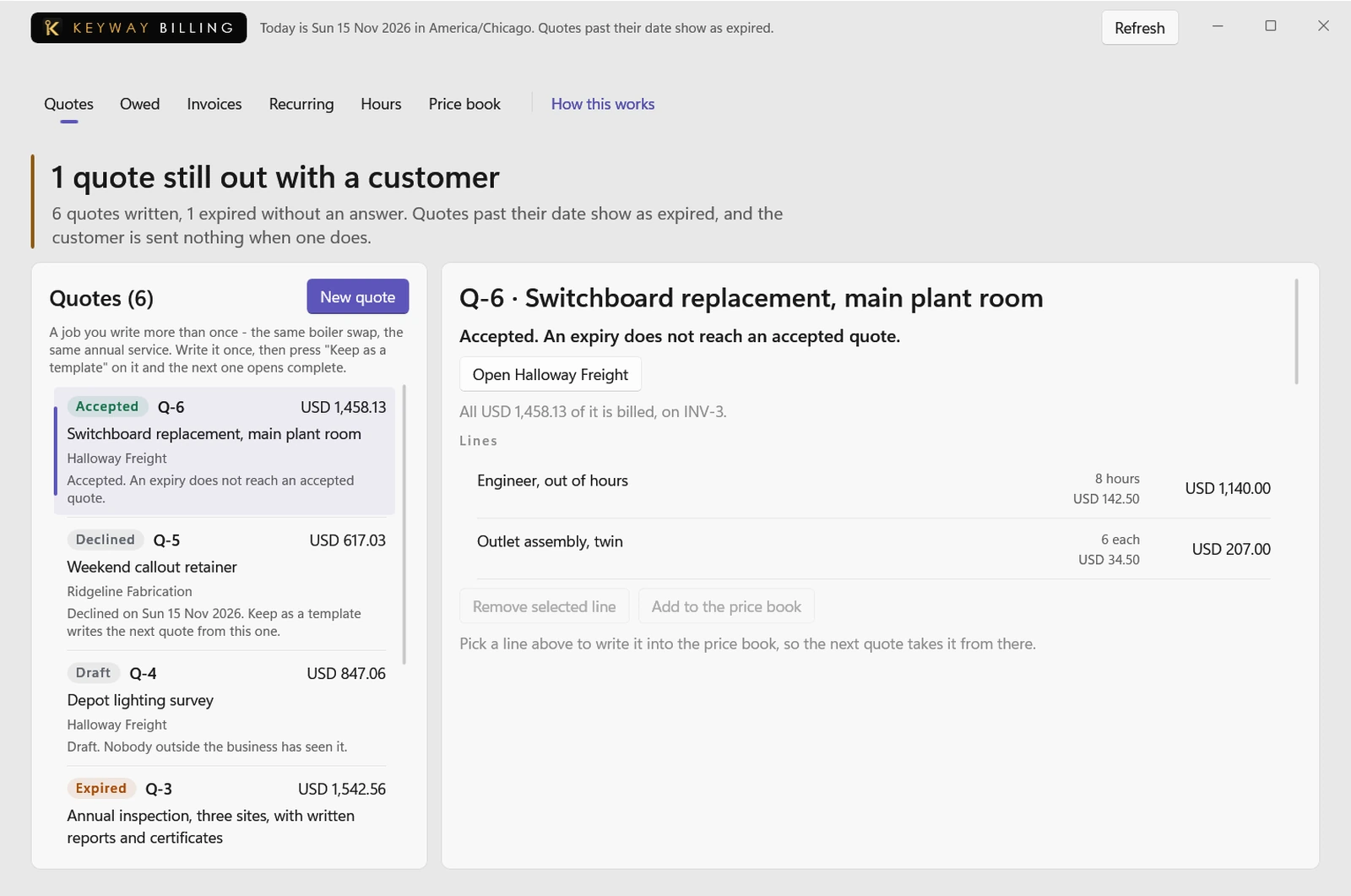

Billing
Price a job, send the quote, turn it into an invoice, get paid by link and know what is still owed.
Read the guide for Billing
Expenses
Record what was spent, why and who was there on the day, so it still holds up two years on.
Read the guide for Expenses
Commerce
Sell goods and hours at the counter and online from one catalogue, with nothing sold twice.
Read the guide for Commerce
Ledger
Keep the books from your own records, match bank statements and give your accountant a file to open.
Read the guide for Ledger
Cash Flow
See the money you expect in and out week by week, the low point ahead, and try what-if plans safely.
Read the guide for Cash Flow
Reports
Ask one question of every tool at once: revenue, what is owed, margin by job and more, printed as a pack.
Read the guide for Reports
Catalogue
Describe what you sell once, with variants, approved words and pictures, and where each is offered.
Read the guide for Catalogue
Licences
Track the subscriptions and seats you supply to each client: who holds each, its cost and its price.
Read the guide for Licences
10
Operations
Plan the work, the people on it and the equipment, stock and sites it depends on.
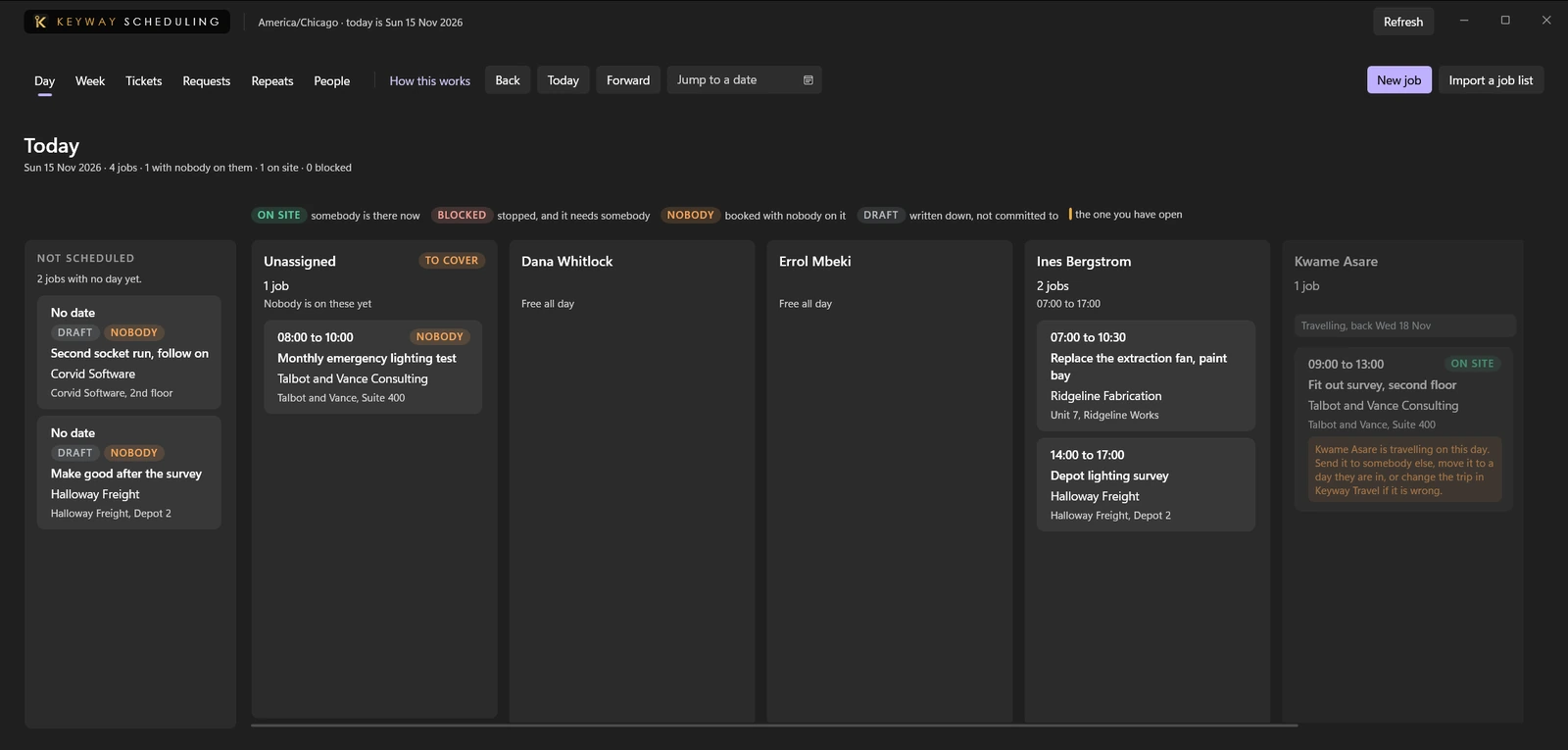

Scheduling and Dispatch
Book a job, put someone on it and move it when the day changes, with repeat jobs booked ahead.
Read the guide for Scheduling and Dispatch
Projects and Job Costing
Plan a job as tasks and milestones, and see what it has cost against the quote and if it makes money.
Read the guide for Projects and Job Costing
Stock and Procurement
Know what you buy, from whom, what it cost, what is on the shelf now and which bills are due.
Read the guide for Stock and Procurement
Assets and Equipment
Track the vehicles, tools and laptops you own: last service, certificate expiry and who has each now.
Read the guide for Assets and Equipment
Rentals
Rent out vehicles, equipment and rooms by the hour, day or week, and see what is out, due and late.
Read the guide for Rentals
Events
Run events and classes with a set number of places, tickets checked once at the door and a waitlist.
Read the guide for Events
Reception
Sign visitors and contractors in and out, with badges, who is on site and an evacuation list.
Read the guide for Reception
Locations
See every site side by side: hours, manager, people, and the staff and equipment moved between them.
Read the guide for Locations
Automation
Set rules that assign a task, ask for approval or draft a message when something happens, all recorded.
Read the guide for Automation
Network Map
Draw how a building is wired: devices, connections, addresses and cabling, kept for the day it breaks.
Read the guide for Network Map
8
Compliance and knowledge
Keep the rules, agreements, checks and know-how your business has to be able to show.
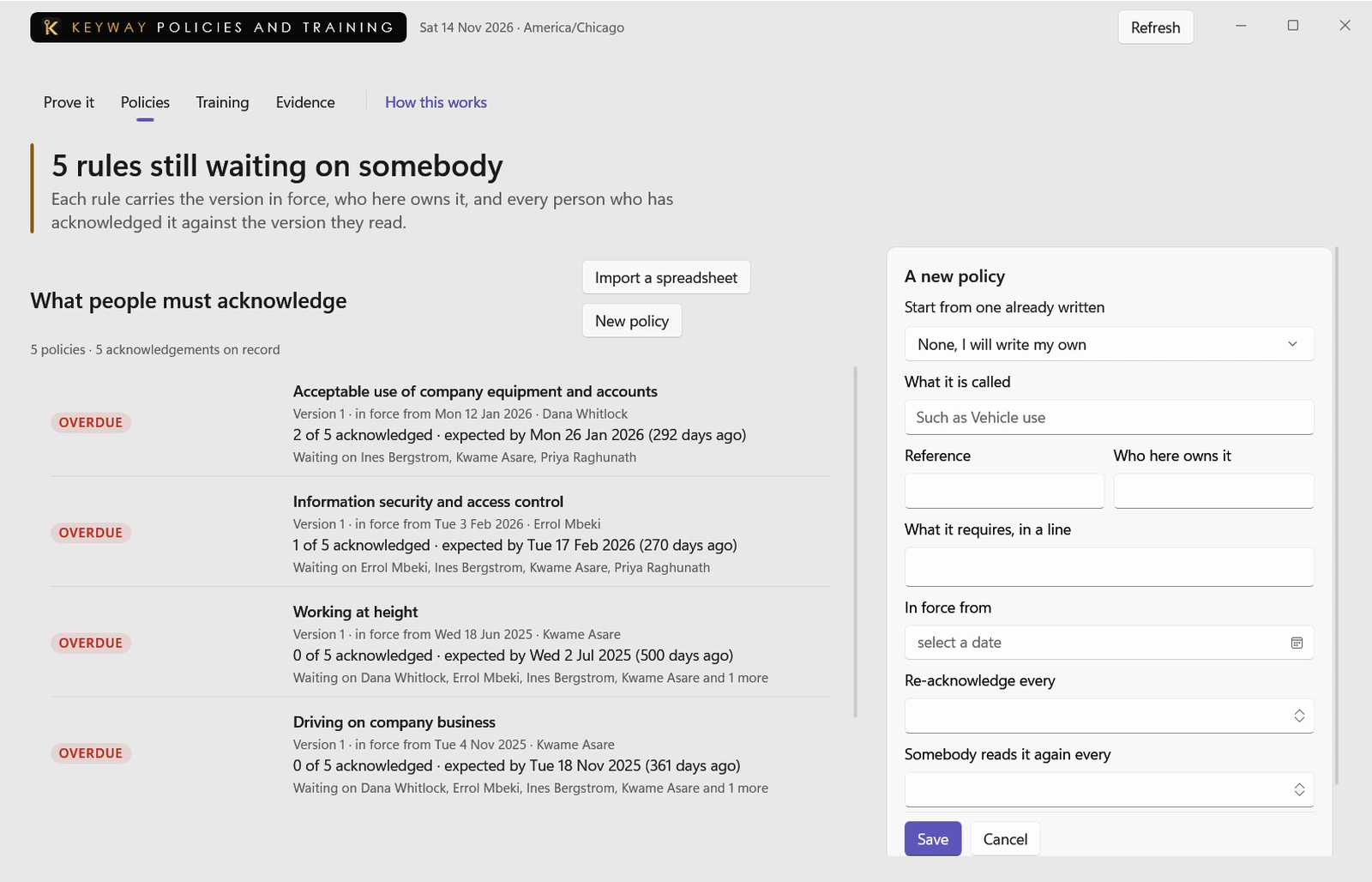

Policies and Training
For any date, show which rules were in force, who acknowledged them and which training was done.
Read the guide for Policies and Training
Contracts and Renewals
Keep every agreement you signed and see which will renew on its own, by when, and what that costs.
Read the guide for Contracts and Renewals
Checks
Run routine checks like a vehicle walk-round or opening routine and keep a signed record of each.
Read the guide for Checks
Knowledge
Write down how your business works in articles with an owner, a last-checked date and every version.
Read the guide for Knowledge
Vault
Store sign-ins, cards, notes and files, each shared only with chosen people and every read recorded.
Read the guide for Vault
Document Studio
Fill templates from a customer, quote or job, then review, print on your letterhead and sign.
Read the guide for Document Studio
Continuity
Plan what to do when something you depend on fails and who does it, with drills that prove it works.
Read the guide for Continuity
Brand
Keep approved logos, colours, wording and pictures in one library, with their rights and your letterhead.
Read the guide for Brand
4
People
Hire, schedule and keep the records of the people who work for you.
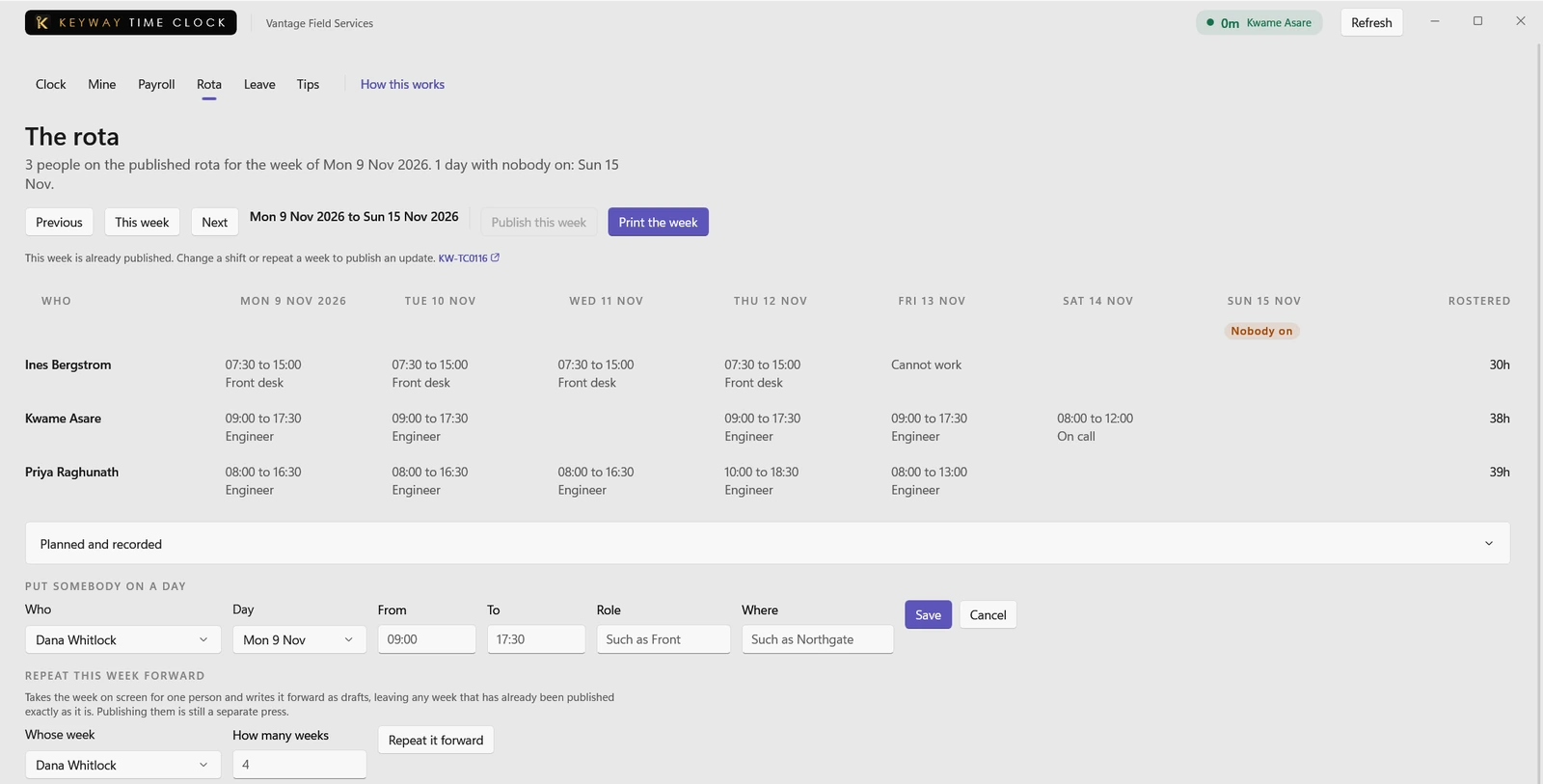

Time Clock
Clock in and out, take breaks, build the rota, book leave and send the period to payroll as a file.
Read the guide for Time Clock
People
Keep everyone who works for you on record: who they report to, where, pay, time away and reviews.
Read the guide for People
Recruiting
Follow each opening from applicants to offer, with interviews and what each interviewer thought.
Read the guide for Recruiting
Travel
Approve work trips against your own travel policy and keep bookings, spend and itineraries together.
Read the guide for Travel
6
Capture and AI
Capture what is on screen, said on a call or written in a document, and get a draft you check.
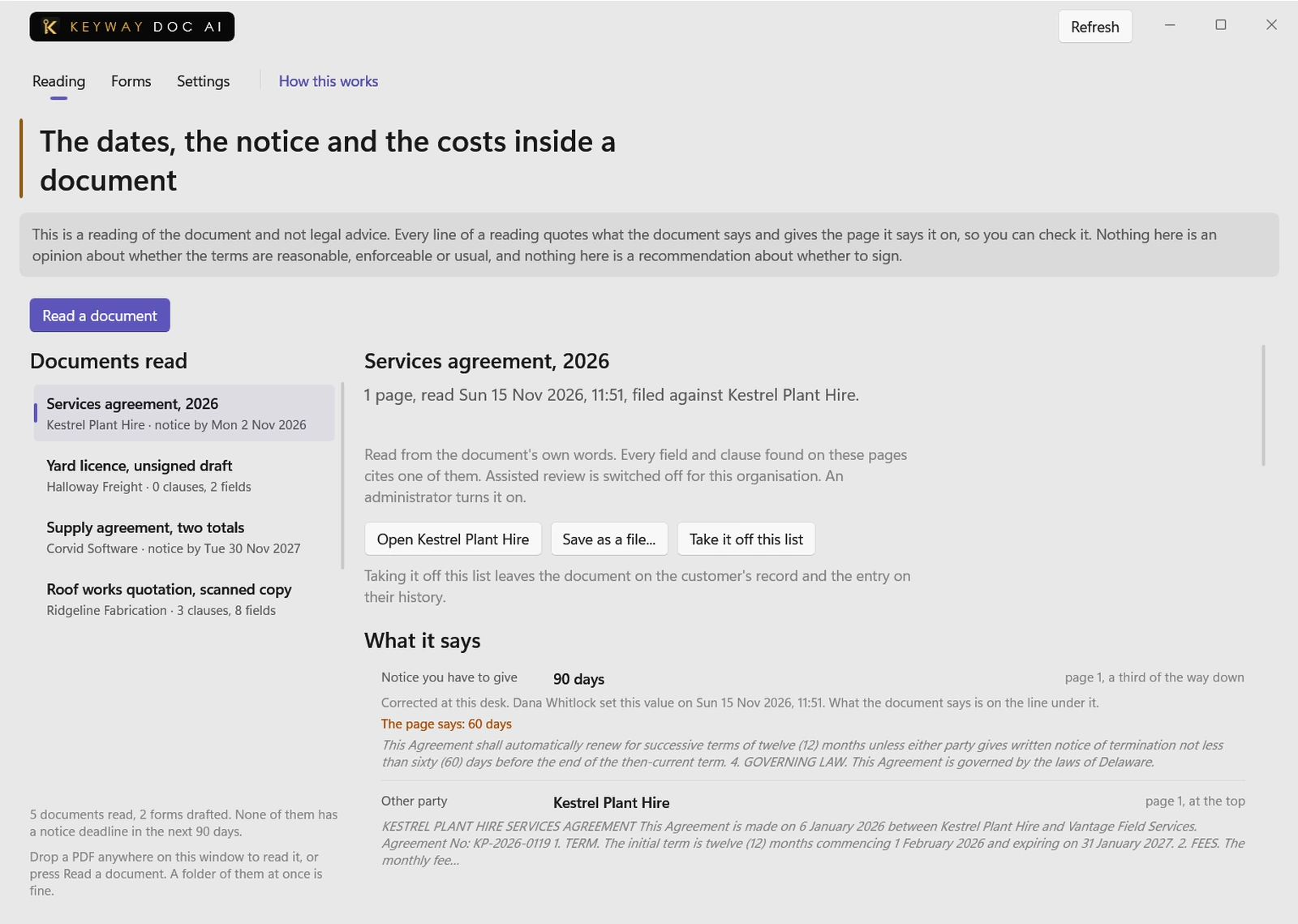

Document AI
Reads a long agreement or questionnaire and drafts the answers, each line naming where it came from.
Read the guide for Document AI
DeskClip
One keystroke captures your screen, you black out what to hide, and it is filed on the customer.
Read the guide for DeskClip
Scribe
Records a meeting, call or note, writes it up for you to check and files it on the customer's history.
Read the guide for Scribe
SOP Recorder
Do a task once on screen and get a written procedure with numbered steps and a screenshot of each.
Read the guide for SOP Recorder
Ask Your Records
Ask a question in plain words and get one answer, with each claim pointing to the record behind it.
Read the guide for Ask Your Records
Intake
Calls, walk-ins and photos from the field land in one queue until a person decides what each one is.
Read the guide for Intake
Coming next
About 80 tools on the way
These three are being built now. Keyway Complete includes each new tool as it ships.
Live Chat
In progressA visitor on your website types to a person at your business and gets an answer while still on the page.
Community
In progressYour customers talk to each other and to you in spaces you open for them, with your own people keeping it civil.
Payments
In progressConnect your own Stripe, Square or PayPal account to get paid, with Keyway holding no balance and taking no fee. Billing already sends customers a link they can pay on today.